devboard
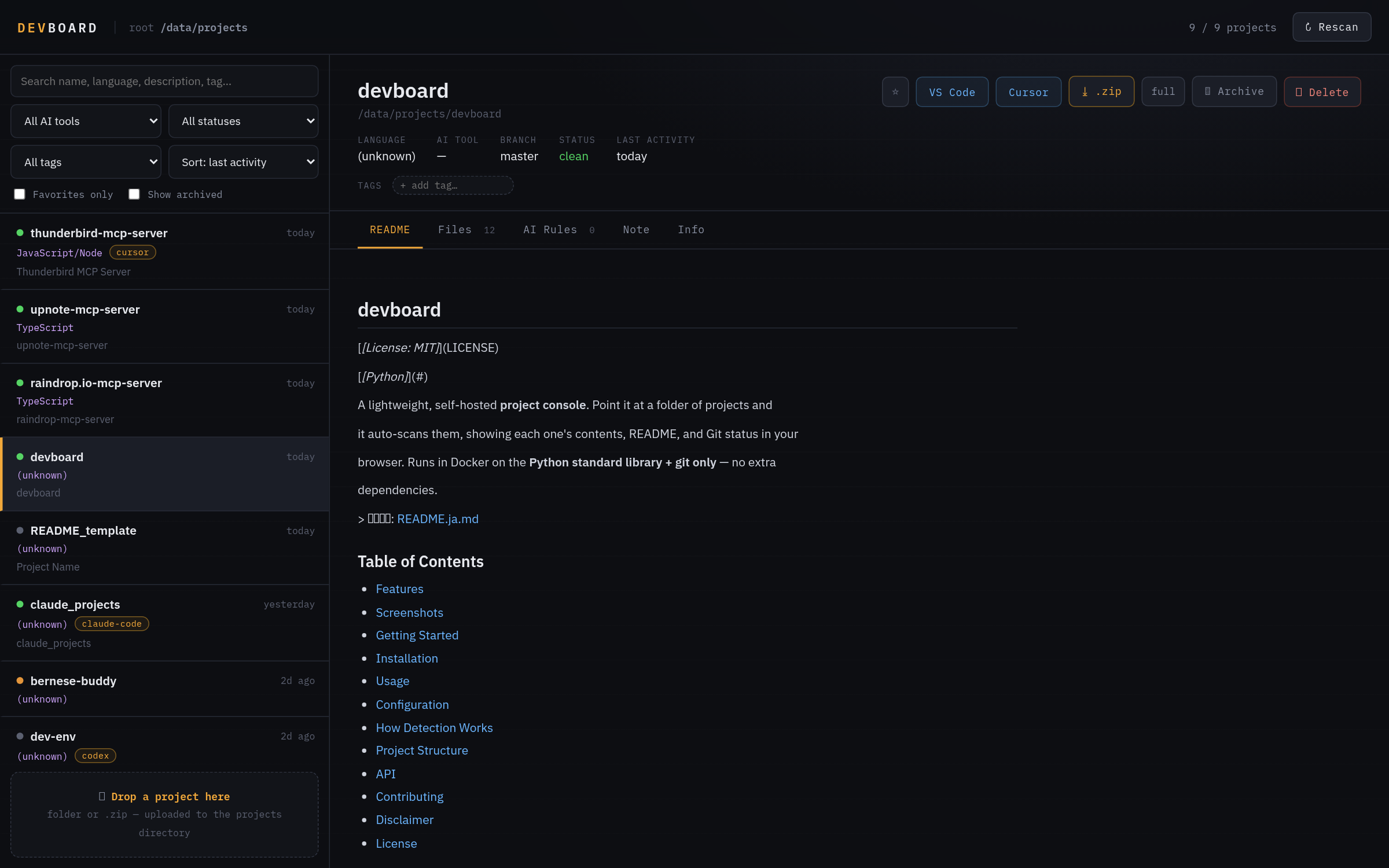
A lightweight self-hosted project console. Point it at a folder of projects and it auto-scans them, showing contents, README and Git status in your browser. Docker + Python stdlib + git only.
Features
Auto-detects projects
Code markers such as .git, package.json, pyproject.toml, Cargo.toml and go.mod, plus doc-only folders with README or CLAUDE.md.
AI tool detection
Detects Claude Code, Codex, Cursor, Copilot, Gemini, Aider and Continue.
Git status
Branch, uncommitted changes, ahead/behind, last commit and remote; sortable by last activity.
README and file tree
Renders the README and expands folders inline, up to three levels deep.
Tags, favorites and notes
Stored per project under <project>/.devboard/.
Drag & drop
Drop a folder or .zip on the page; __MACOSX/ and .DS_Store are stripped automatically.
Install
Docker and Docker Compose are all you need — git ships inside the image. Then open http://localhost:8080.
git clone https://github.com/hiropon164/devboard.git
cd devboard
docker compose up -d --build

# http://localhost:8080
Stack
Support & limitations
| Configuration | PROJECTS_DIR, PORT, SCAN_DEPTH, CACHE_TTL and MAX_UPLOAD_MB are set as environment variables. |
|---|---|
| IDE links | Set IDE_REMOTE_HOST and IDE_HOST_PROJECTS to enable the "Open in VS Code / Cursor" buttons. |
| API | A small JSON API: /api/projects, /api/project and /api/tags. |
| Disclaimer | It can upload, archive and delete files (deletes move to ./projects/.trash). Use at your own risk. |